Website Project Pages That Rank: The Text-Plus-Video Architecture
A portfolio grid of beautiful photos is invisible to search and unpersuasive to buyers. One page per project, written like a case file and built around one video, is the asset that does both jobs at once.
7 min read · August 5, 2026 · Florida Construction Media
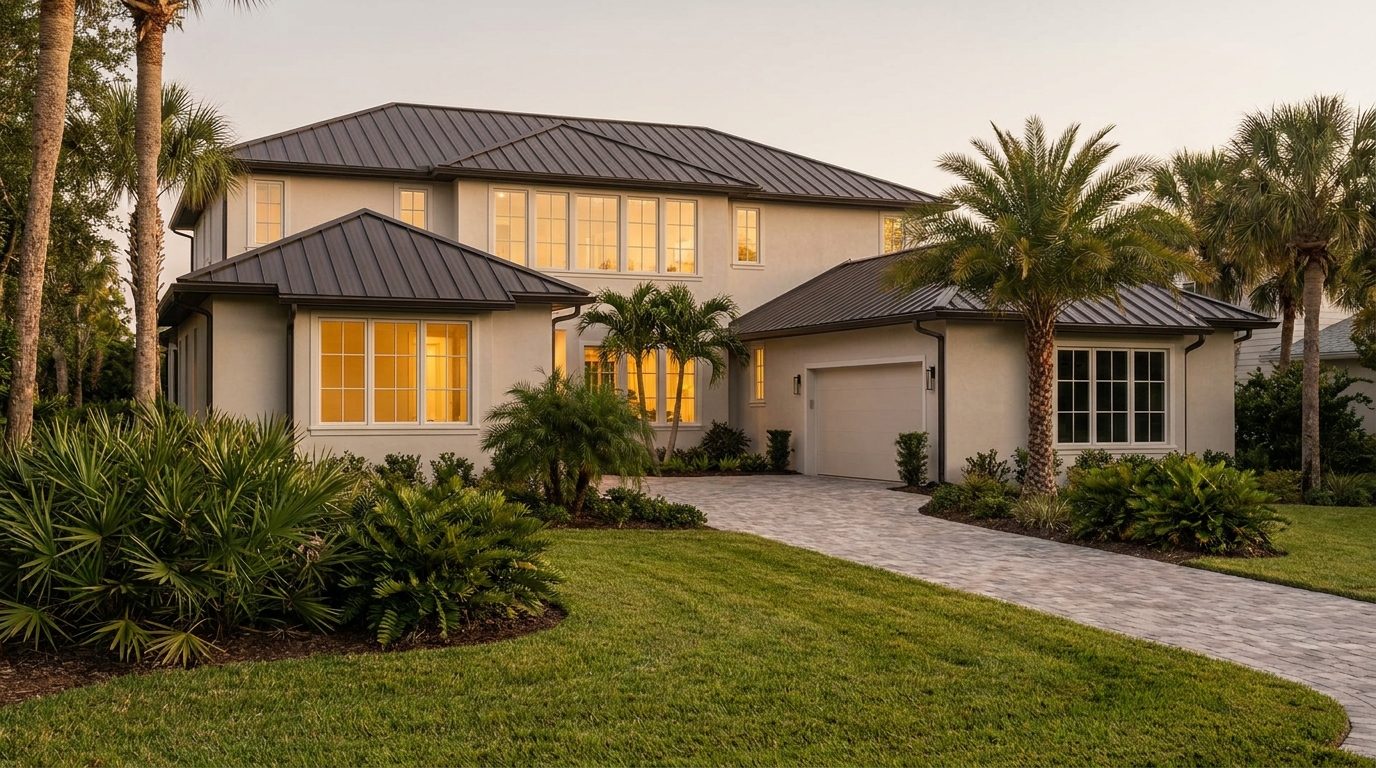
Most builder websites file their best work under one tab called Gallery, or Portfolio, or Our Work. Behind it sits a grid of thumbnails, each opening into a lightbox of twenty photographs with no words attached. It is the most expensive part of the site to produce and the least productive part of the site to own, because a photograph carries no text for a search engine to read and no context for a homeowner to act on.
The fix is not more photos. It is a different unit of publishing: one page per project, written like a case file, built around one video, and named the way a buyer would describe the job. Ten of those pages will out-earn a hundred-image gallery on every measure that matters: search visibility, time on page, and the number of people who arrive already convinced.
Why the gallery grid ranks for nothing
A search engine ranks pages, not images. A lightbox gallery is one page trying to represent thirty jobs, which means it can rank for no job in particular. Nobody searches "gallery." They search "coastal transitional new build Siesta Key," or "1970s ranch remodel Sarasota before and after," or "outdoor kitchen with pass-through window Venice." Those are page-level queries, and they need pages.
The second failure is human. A grid asks a homeowner to do the interpretive work: to guess the scope, the budget band, the timeline, the problems solved. Prospects who are eight months from signing will not do that work. They will look, admire, and leave without a reason to believe the pretty result had anything to do with a repeatable process.
A project page answers both. It gives search engines a specific subject with real text on it, and gives a buyer the one thing a photo can never supply: the story of what the job was, what went wrong, and how it got handled.

One project, one page: video on top, the written record underneath · Illustration: Florida Construction Media
The architecture: nine blocks, in order
The order matters as much as the contents, because the page has to satisfy a skimmer in eight seconds and a researcher in eight minutes.
- A headline naming the project the way a buyer would. Not "Project 14." Try "Whole-home remodel of a 1978 canal-front ranch in Venice": the scope, the age, the geography, the property type. That sentence is the page's entire search premise.
- The video, above the fold. Three to five minutes: the walkthrough, the client's account, or the three-act project story. One video, not a playlist.
- The client's situation in their words. What they had, what wasn't working, what they were afraid of. This is where the homeowner reading it recognizes themselves, which is the only reason they keep reading. Your company enters the page as the guide who solved it, not the hero of it, a distinction that fixes most builder websites.
- The spec block. Square footage, scope of work, structural changes, materials of note, duration, and, if you publish them, the budget band. Facts, listed, scannable.
- The problem section. The slab that was out of level, the permit that took eleven weeks, the failed truss connection nobody knew about. Naming a real complication is the single most persuasive paragraph on the page, because every prospective client already suspects something will go sideways and wants to see how you behave when it does.
- Process, in named steps. The same steps on every project page, so a buyer reading three of them sees a company that works one way rather than improvising.
- The photographs, captioned. Same images you were putting in the lightbox, now with a sentence each. Captions are read more than body copy and are text the page can be found by.
- The result, stated plainly. What the family got, in their terms: a kitchen the whole extended family fits in, a house that made it through the season without a claim.
- One call to action. The same one on every project page. Not "contact us" alongside "call now" alongside a chat bubble and a newsletter box.
Spec box: the project page, specced. URL
/projects/<descriptive-slug>; one project per page, never bundled; page title naming scope, property type, and town; one video, 3–5 minutes, embedded above the fold; the full transcript published on the page as text; 8–15 captioned photographs; a spec list with scope, duration, and materials; at least one named complication and its resolution; VideoObject structured data; one call to action, repeated site-wide.
What the video needs in order to count
An embedded video is not automatically a search asset. Google's guidance is specific, and worth following literally.
Structured data has to describe a video the visitor can actually watch on that page. Google's documentation is explicit that VideoObject markup belongs on a page where users can watch the video, because sending people to a page without the video is a poor experience. Three properties are required: name, thumbnailUrl, and uploadDate. Recommended additions (description, duration, contentUrl or embedUrl) each give the engine more to work with. Key moments have their own floor: the total video must run at least 30 seconds, and no two segments defined on the same page may share a start time.
Publish the transcript as visible text on the page, not tucked into markup. Google's own framing is that structured data disambiguates content that is on the page: markup describing a transcript that isn't displayed does not help. And a transcript is between 600 and 900 words of specific, on-topic language about a canal-front ranch in Venice, which is more relevant text than most builders' entire website carries.
Three practical additions round it out: a real thumbnail rather than an auto-grabbed frozen frame; captions burned or attached, because a large share of viewing happens muted; and a video sitemap submitted in Search Console once you have more than a handful of these.
Naming, linking, and the trap of the "Gallery" bucket
URLs are the cheapest ranking signal builders ignore. /projects/venice-canal-front-ranch-whole-home-remodel describes the page in the address bar. /gallery?id=14 describes nothing.
Then link the pages to each other on purpose. Every project page should point up to the service it belongs to (the remodel page links to your remodeling service page, the new build links to custom homes) and sideways to two or three comparable projects. That internal linking is what tells a search engine your site has depth on a subject rather than one orphaned page, and it is what keeps a browsing homeowner clicking through four projects instead of bouncing after one.
Two habits to break. First, do not gate the good projects behind a form; the page's entire job is to be found and read by people who are not ready to talk yet, the ones who are researching months out. Second, do not delete or reshuffle these URLs during a website redesign. A project page that has been accumulating authority for three years is an asset, and the most common way builders destroy their own search visibility is a rebuild that changes every address without redirects.
Every finished job is a page waiting to be written · Venice · Photo: Stellar Media Collective
Questions builders actually ask
How many project pages do I need before this does anything? Ten well-built pages beat forty thin ones, and the compounding starts once a handful of them are indexed and linked to each other. Publish one per completed job going forward and backfill your three or four best past projects; within a year you have a library that no competitor can assemble quickly.
What if the client doesn't want their house on the internet? Ask at contract signing, not at closing, and offer the version they can live with: no address, no street view, no family names, interiors only. Most people say yes when the request comes early and specifically. The ones who say no still leave you a spec block and a written case file you can publish without images.
Can I use the same video on YouTube and on the project page? Yes, and you should. The YouTube copy earns discovery; the embedded copy plus the on-page transcript makes the project page itself substantive. Just make sure the page carries the written material too, rather than being an empty frame around a player.
Does any of this work if the writing is mediocre? It works better than a gallery with no writing at all, which is the real comparison. Aim for the way you would explain the job standing in the driveway: the constraint, the fix, what it cost in time. That register outperforms marketing prose consistently, and it is the same trust-building material Stellar's guide on trust signals for premium trades covers from the buyer's side.
Where do the photos come from if we never shot the job properly? Start with the next one. Assign the superintendent three phone photos a week, and put a real camera on the reveal. The archive problem solves itself in about six months, and the projects you film properly from day one become the pages that carry the most weight.
Structured-data requirements described here reflect Google Search Central's published video documentation as of August 2026 and change periodically; verify current requirements before implementation. Disclosure: Florida Construction Media is published by Stellar Media Collective, a Sarasota studio that builds the kind of project pages and project films described above. The architecture works regardless of who executes it.