Time-Lapse on the Job Site: Rigs, Intervals, and What to Do With Four Months of Frames
Most builders buy the camera, mount it, and then discover the hard part is the last ten percent — the interval math, the mount that has to survive a Florida summer, and the four cuts hiding inside a folder nobody ever opens.
9 min read · August 11, 2026 · Florida Construction Media
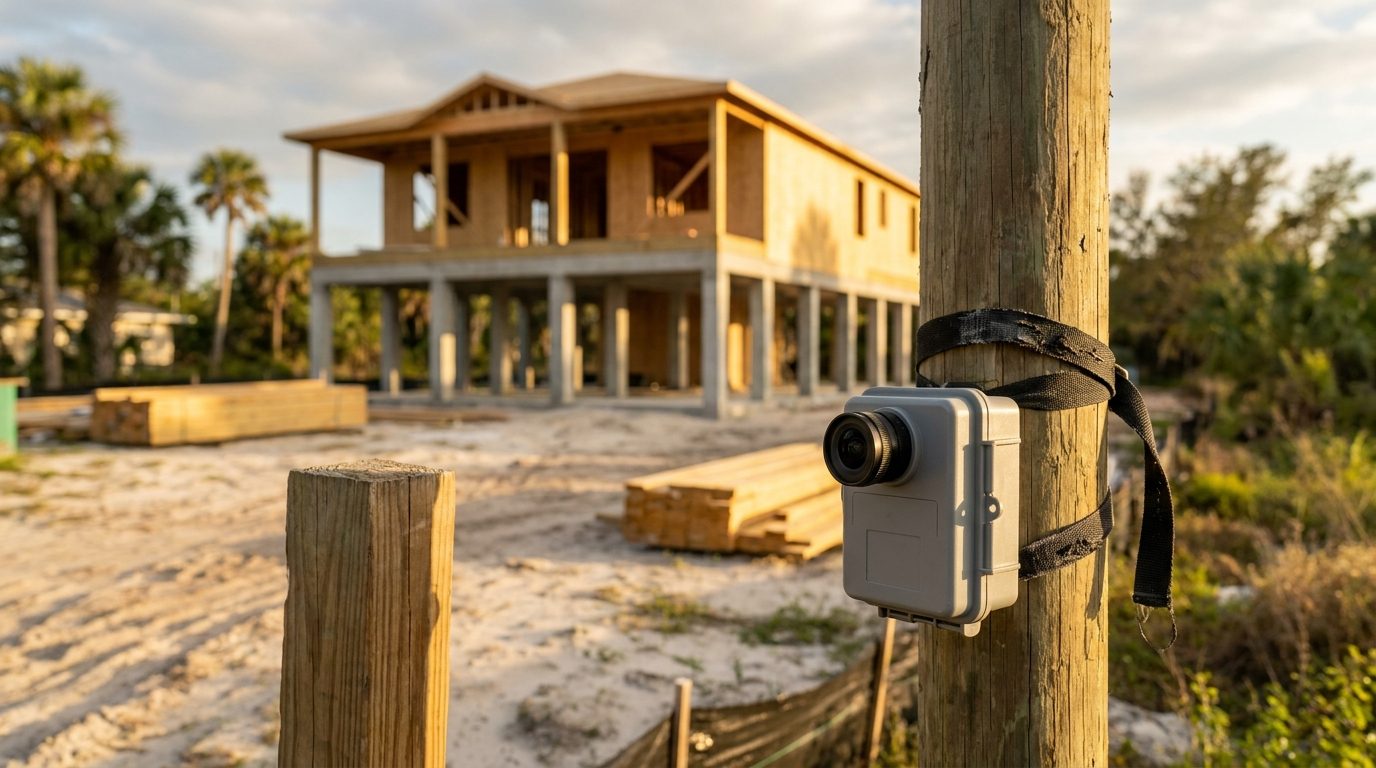
There is a folder on a lot of builders' desktops with 14,000 photographs in it. The camera worked. It sat on the pole through a whole build, fired on schedule, survived two named storms, and produced a complete visual record of eleven months of work. Nobody has opened the folder since the certificate of occupancy.
That's the actual failure mode of construction time-lapse, and it isn't the gear. The rigs are cheap and reliable now. What goes wrong is that the camera gets treated as the deliverable, when the camera is only raw material — the equivalent of stockpiling fill and calling it a driveway. The frames are worth something only if somebody decided, before the first one was captured, what they were going to become. So: what to mount, how to set the interval, and the four cuts that come out of a season's worth of frames.
What a time-lapse is really for
Strip away the novelty and a construction time-lapse does one job better than any other piece of content you can make: it proves the middle. Anybody can show a finished kitchen. A finished kitchen is a claim. Twenty-two weeks compressed into ninety seconds — the slab, the rain delays, the framing crew, the roof going on in a single afternoon — is evidence, and evidence is what a homeowner about to hand you six figures is actually shopping for.
It also solves a problem specific to this trade. Your product takes months to exist, so the buying decision happens in the imagination of somebody who has never watched a house get built. Time-lapse is the only format that shows a nine-month process at a scale a person can hold in their head. That's why it belongs on the project pages that carry your search traffic and inside the three-act project story, not just on a feed where it disappears in a day.
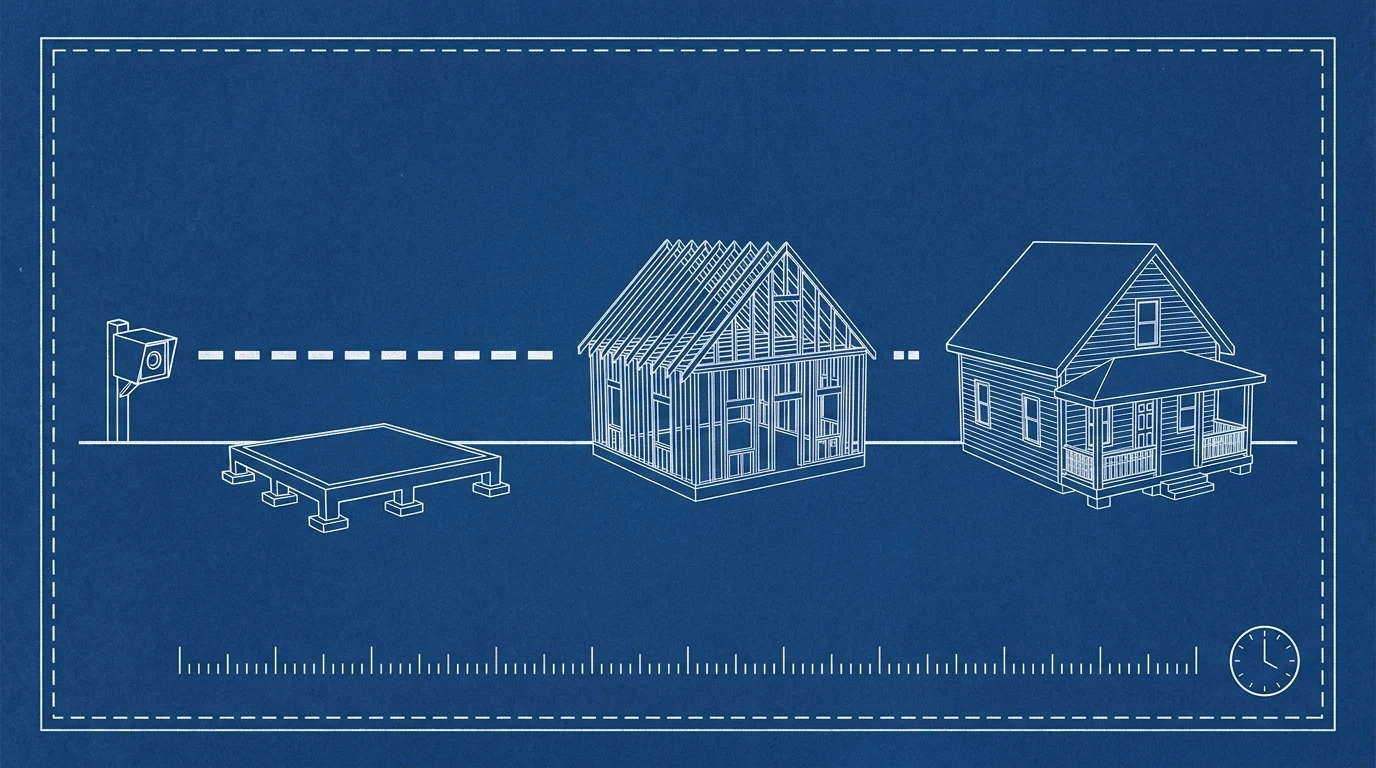
One vantage point, held still while the house changes underneath it · Illustration: Florida Construction Media
The three rigs, and who each one is for
The purpose-built construction camera. This is the default and it is the right default. Brinno's construction bundles are the ones you'll see zip-tied to fence posts across the Gulf Coast — the BCC300 shoots 1080p HDR through a 118-degree lens, takes a 128GB card, and Brinno rates its battery at up to 100 days on a five-minute interval. The newer BCC5000, announced in 2025, moves that up to 4K with a Sony STARVIS 2 sensor and adds Wi-Fi and Bluetooth so you can check framing from your phone instead of a ladder. A camera in this class runs a few hundred dollars, writes finished video straight to the card, and asks nothing of you between visits. For a single-family custom build, this is the answer.
The managed cellular camera. OxBlue and EarthCam sell a service, not a box: a hardened camera with 4G LTE built in as standard and solar-power compatibility, streaming to a cloud platform that stores, timestamps, and cuts the footage for you. No site internet, no card swaps, live view from anywhere, and the images double as a documentation trail when a schedule dispute comes up eighteen months later. Both price by quote rather than off a shelf, and the cost is a monthly line item for the life of the job. That math works on multifamily, commercial, and any project where a developer or lender wants to look at the site from another state. It rarely works on a single custom home.
The phone or the spare body. A retired mirrorless camera or an old phone on a tripod with an intervalometer app, plugged into power, will produce a time-lapse. It's the right rig for a short subject — a one-day roof, a pour, a driveway, a cabinet install — where you're on site anyway and the camera comes home at the end of the day. It's the wrong rig for a four-month exterior, because nothing about it is weatherproof, and a Florida job site will find that out for you in a single August afternoon.
Intervals: the one setting that decides everything
Interval is where most rigs go wrong, and the arithmetic is simple enough to do at the truck. Video plays at 30 frames per second. So the question is only: how many frames will this interval produce, and how many seconds of finished film is that?
Run a ten-minute interval across a ten-hour work day and you get 60 frames — two seconds of video per day. A 120-day build lands at roughly four minutes of footage. Tighten to five minutes and the same build yields about eight. Go the other direction for short subjects: a ten-second interval over an eight-hour pour produces nearly 3,000 frames, about a minute and a half of film, and that's the density you need for something that has to look like motion rather than a slideshow.
The second setting that matters as much as interval is the schedule. Set the camera to record only during working hours. Overnight frames of a dark, static site are wasted battery, wasted card, and a stretch of black in the middle of your film that an editor has to cut out anyway. Every construction-specific camera has a daily timer for exactly this reason. Use it.
Spec box: the job-site time-lapse rig. Camera: a weatherproof construction unit (Brinno BCC-class) for long builds; a managed LTE/solar camera for commercial and multifamily; a spare body on a tripod for single-day subjects. Interval: 10 minutes for a multi-month exterior, 5 minutes if you want a longer finished film, 10 seconds to 1 minute for a pour, a roof, or an install. Schedule: working hours only — no overnight frames. Mount: a fixed structure that will not be moved, will not be demolished, and does not sit inside the swing radius of anything; strapped or lagged, not clamped to a fence panel. Framing: point at where the house will be, not where it is; leave headroom for the roof and slack on the sides for scaffolding, dumpsters, and the crane. Power and cards: fresh batteries and an empty card at the start, checked monthly. Backup: copy the card to two places the same day it comes off the site.
What to do with four months of frames
This is the part that gets skipped, so decide it before you mount anything. One long build yields four distinct deliverables, and they serve four different people.
The ninety-second project film. The whole build, top to tail, cut to music, ending on the finished house held long enough to breathe. This is the flagship — the one that lives on the project page and gets sent to a prospect who is deciding between you and two other builders.
Milestone stingers. Six to ten seconds each, pulled from the same footage: the slab pour, the trusses landing, the roof drying in, the stucco. These are the vertical posts that keep a project visible while it's still running, and they cost you nothing extra because the frames already exist.
The client update. The single most underrated use, and the one that pays for the camera by itself. A client waiting ten months for a house is not anxious about the schedule, exactly — they're anxious about not being able to see it. Twenty seconds of last month's progress, texted, does more for that relationship than a paragraph of status ever will. It is the same job as the content that keeps a wait-list client warm, and it's already sitting on the card.
The record. Timestamped frames of every day of a build are a useful document when a sequencing question, a change order, or a warranty claim surfaces two years later. It isn't marketing, but it's why a lot of GCs keep paying for a camera after they've stopped posting anything.
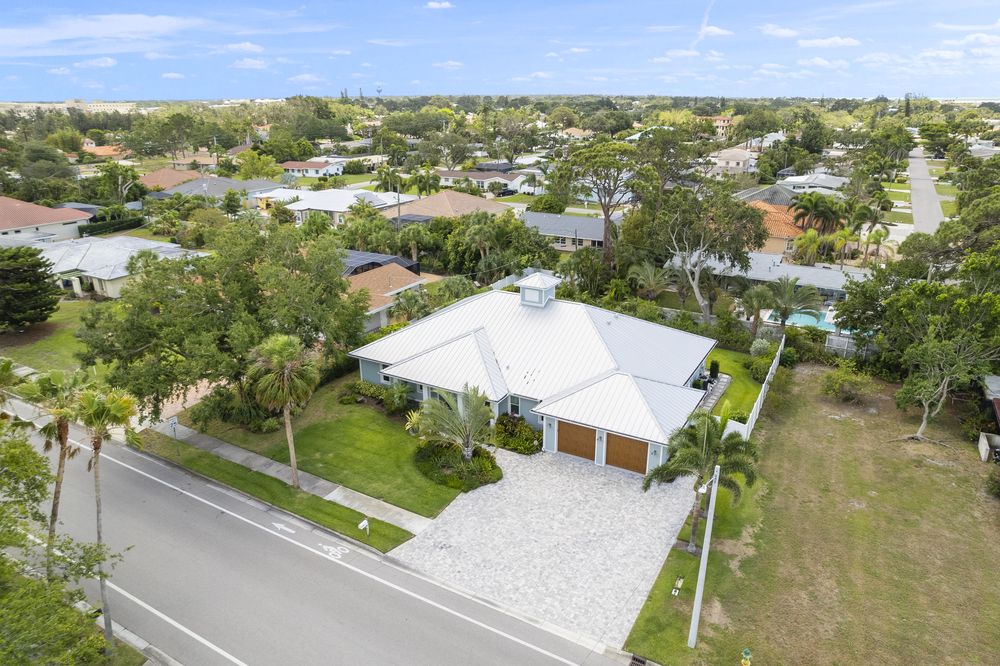
The last frame of eleven months of them · Venice · Photo: Stellar Media Collective
The five ways it goes wrong
Every failed time-lapse fails for one of these reasons, and all five are preventable on day one.
The camera moved. Somebody bumped the post, a sub repositioned the fence, the mount worked loose in a storm. A time-lapse survives almost anything except a change in vantage point, because the effect depends entirely on the frame holding still while the subject changes. Mount to something structural and check the framing every visit.
It was pointed at where the house was, not where it would be. Frame for the finished building's height and footprint. Builders routinely mount at slab stage, then discover in month four that the second floor is cropped off the top.
The sun. In Florida a west-facing camera will flare, blow out, and bake. Aim north or south where the site allows, and expect afternoon frames to look different from morning frames no matter what you do.
The battery died in week nine and nobody noticed. The gap is invisible until you go to cut. Put a monthly card-and-battery check on the same calendar as your film day.
Nobody decided what it was for. The 14,000-frame folder. Write the four deliverables down before the camera goes up, and put the edit on the schedule with a date, the way you'd schedule the punch list.
Questions builders actually ask
Is a time-lapse worth it on a single custom home? Yes, if you're going to cut it. A purpose-built camera is a small one-time cost against a build worth hundreds of thousands, and it produces a flagship film, a month of vertical posts, and a client-update habit. It is not worth it if the plan is to gather frames and decide later, because later doesn't come.
Can I get the same thing from drone footage instead? They do different jobs. A drone gives you scale and the shot that makes a lot look like an estate — but it's a visit, not a record, and flying over an active Florida site has real rules. Time-lapse gives you continuity. The strongest project films use both: fixed frames for the passage of time, aerials for the reveal.
What if the job stalls for two months waiting on inspections or materials? Leave the camera running and cut the dead stretch out — a two-minute edit decision, not a problem. What you should not do is take the camera down during a pause, because the vantage point almost never comes back exactly the same and the film will jump at the seam.
Who actually edits this? Someone has to. If it's going to be you, block the time. If it isn't, hand the card to whoever cuts your other content and give them the four-deliverable list up front, so you get all of it in one pass instead of paying for the same footage to be opened three separate times. Stellar's resource library and its custom-home-builder page cover how the capture plan fits a build's overall content schedule.
Camera specifications and manufacturer claims are as published by Brinno and OxBlue and checked August 11, 2026; battery life, interval ranges, and pricing change between hardware generations, so confirm current specs before buying. Frame-count math above assumes 30 fps playback and the working-hour schedules described. Disclosure: Florida Construction Media is published by Stellar Media Collective, Sarasota, which builds content systems for premium trades and installs job-site cameras as part of them.